Budget vs. Actual Workbook
Track an operating expense budget, closed-month actuals and the remaining-year forecast without treating missing values as zero.
Sold individually. This product is not included in the existing toolkits or Ultimate Bundle.
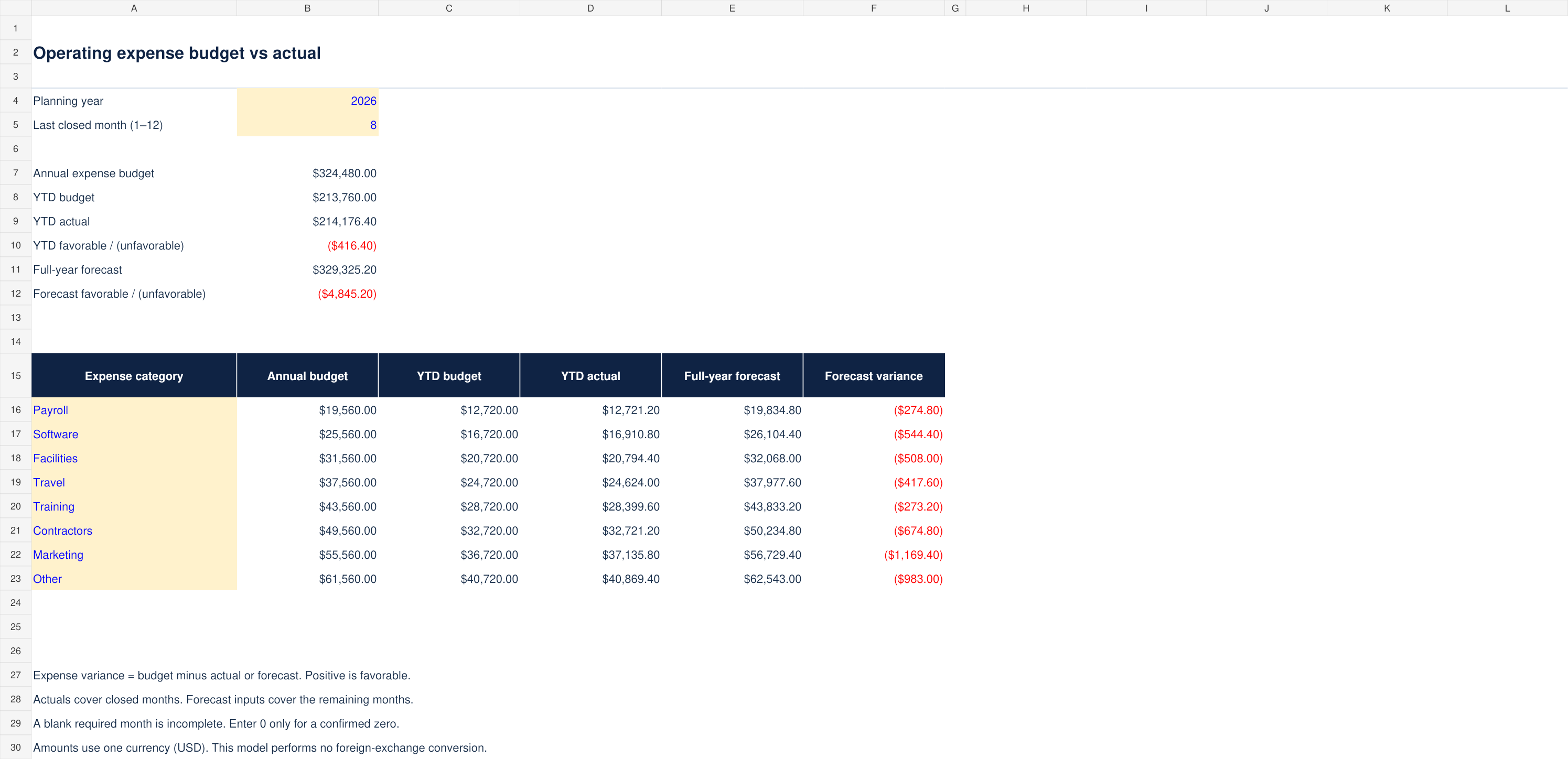
What you can do with it
- Eight expense categories across twelve months
- Annual budget, YTD actuals and full-year forecast
- Explicit incomplete-data flags and favorable variance direction
- Blank model, completed example and monthly close workflow
What is included
Version 1.0 · one ZIP download · 31 KB
See every included filename (5 files)
Budget-vs-Actual-Blank.xlsxBudget-vs-Actual-Example.xlsxCONTENTS.txtLICENSE.txtSTART-HERE.md
How to use it
- Set the planning year and last closed month (1–12) on Budget vs Actual. Replace the eight category names; the monthly input labels follow automatically.
- On Monthly plan, enter all 12 monthly budgets in column C for each category.
- Enter actuals in column D for every closed month. Enter 0 only for a confirmed zero. Unknown actuals should remain blank.
The included guide continues with definitions, review steps and product-specific limits.
Before you choose
YTD covers January through the selected last closed month. The model uses one calendar year.
Full-year forecast = closed-month actuals plus remaining-month forecast. It is not a statistical forecast.
Format and scope
Designed for Excel. Blank and worked-example XLSX files, with no macros or external connections. Calculations and input scenarios were checked during authoring; native Microsoft Excel validation remains pending. Instructions are included as readable Markdown files.
Fixed eight-category, 12-month model (96 category-month rows). Add categories only after extending all input blocks and summary formulas.
Single currency (USD), calendar year, operating expenses. No FX, accrual engine, balance sheet or cash-flow forecast is included.