Dashboard Wireframe Template
Plan dashboard screens and review decisions with stakeholders before building the report.
Sold individually. This product is not included in the existing toolkits or Ultimate Bundle.
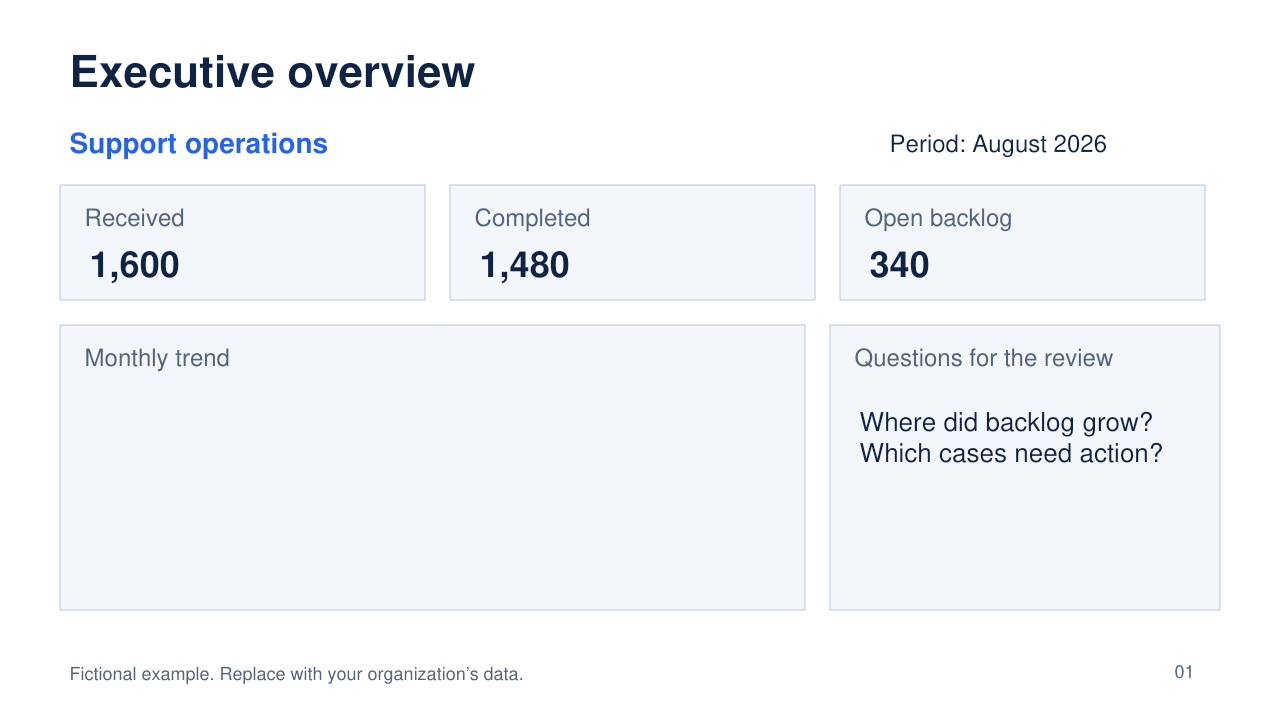
What you can do with it
- Six editable screen layouts in 16:9 PowerPoint
- Overview, trend, segments, detail, exceptions and drillthrough
- Blank layouts and a fictional support-operations example
- Requirements prompts, review checklist and handoff guidance
What is included
Version 1.0 · one ZIP download · 42 KB
See every included filename (6 files)
CONTENTS.txtDashboard-Wireframes-Blank.pptxDashboard-Wireframes-Example.pptxLICENSE.txtPLANNING-WORKSHEET.mdSTART-HERE.md
How to use it
- Choose the screen that matches the decision you need to support. Copy it from the Blank deck.
- Replace the dashboard subject, time period, metric names and data-grain prompts. Move and resize the native objects.
- Use the included planning worksheet to agree audience, decision, metric definition, filters, permissions, refresh timing and empty states.
The included guide continues with definitions, review steps and product-specific limits.
Before you choose
These slides are editable screen plans. Shapes and tables represent intended report elements; filters, navigation and drillthrough are not functional.
The sample values illustrate layout and discussion prompts. No underlying dataset or connected dashboard is included.
Format and scope
PPTX with editable native shapes and tables; no PBIX, PBIT, Figma component library or web application.
Designed for PowerPoint. Package and layout checks passed; native Microsoft PowerPoint validation remains unverified.